> ## Documentation Index
> Fetch the complete documentation index at: https://docs.solana.vanna.finance/llms.txt
> Use this file to discover all available pages before exploring further.
# Supply
> Deposit wallet assets into a Vanna reserve and receive vTokens.
## Steps
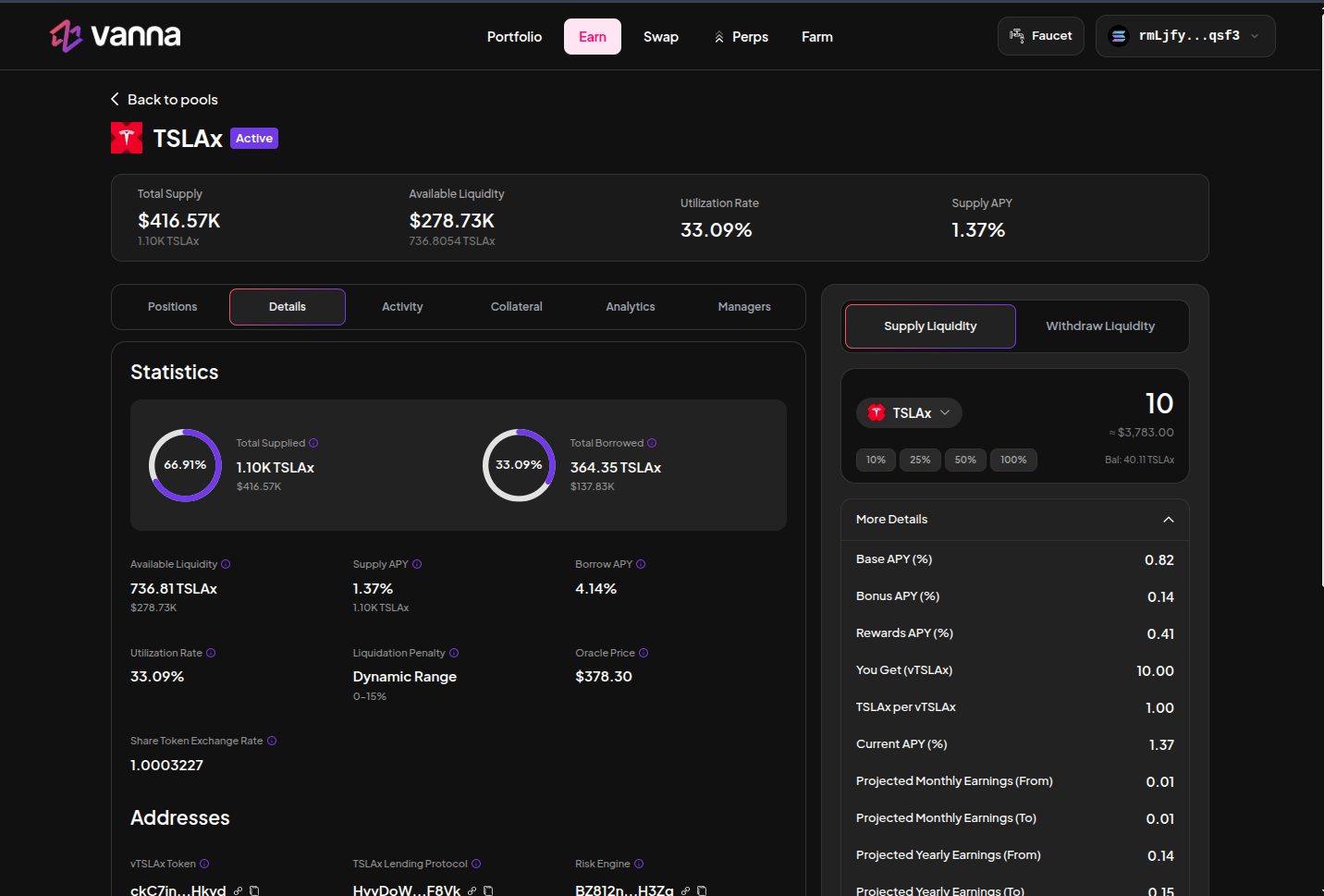
1. Open **Earn** and click the pool.
2. Choose **Supply Liquidity**.
3. Enter an amount, or use 25% / 50% / 75% / Max.
4. Review the preview: assets in, vTokens out, current APY.
5. Confirm. SOL is wrapped to WSOL automatically.
 ## What happens on-chain
`lender_supply` transfers the asset into the reserve vault, accrues interest, and mints share tokens to your wallet. The first supply into an empty reserve keeps a small share floor so a donation cannot inflate the exchange rate.
vToken amount ≈ assets × (total shares / lender assets). Later interest increases the assets behind each share. You redeem more than you supplied if the pool earned.
## After supply
Your wallet holds vTokens. The Earn table's **Your Supply** column should update. You can supply again to the same pool; shares add.
SOL redemptions currently stay as WSOL in the associated token account. Unwrap in your wallet if you need native SOL.
## What happens on-chain
`lender_supply` transfers the asset into the reserve vault, accrues interest, and mints share tokens to your wallet. The first supply into an empty reserve keeps a small share floor so a donation cannot inflate the exchange rate.
vToken amount ≈ assets × (total shares / lender assets). Later interest increases the assets behind each share. You redeem more than you supplied if the pool earned.
## After supply
Your wallet holds vTokens. The Earn table's **Your Supply** column should update. You can supply again to the same pool; shares add.
SOL redemptions currently stay as WSOL in the associated token account. Unwrap in your wallet if you need native SOL.