

Supported connection methods
The Solana app supports Wallet Standard wallets (Phantom, Backpack, Solflare, and others) and, when configured, Privy email/Google login with an embedded Solana wallet.Connect
- Open devnet.solana.vanna.finance and choose Connect.
- Pick an installed wallet, or continue with Google/email if Privy is enabled.
- Confirm the displayed address.
- Wait for balances and any existing margin account to load from the fork.
https://rpc-devnet.solana.vanna.finance. You do not need a local node to try the live site.
Faucet
Open Faucet in the header. Mint the assets you need, or use Mint All.
These are fork cheatcode top-ups. They do not move real mainnet tokens.
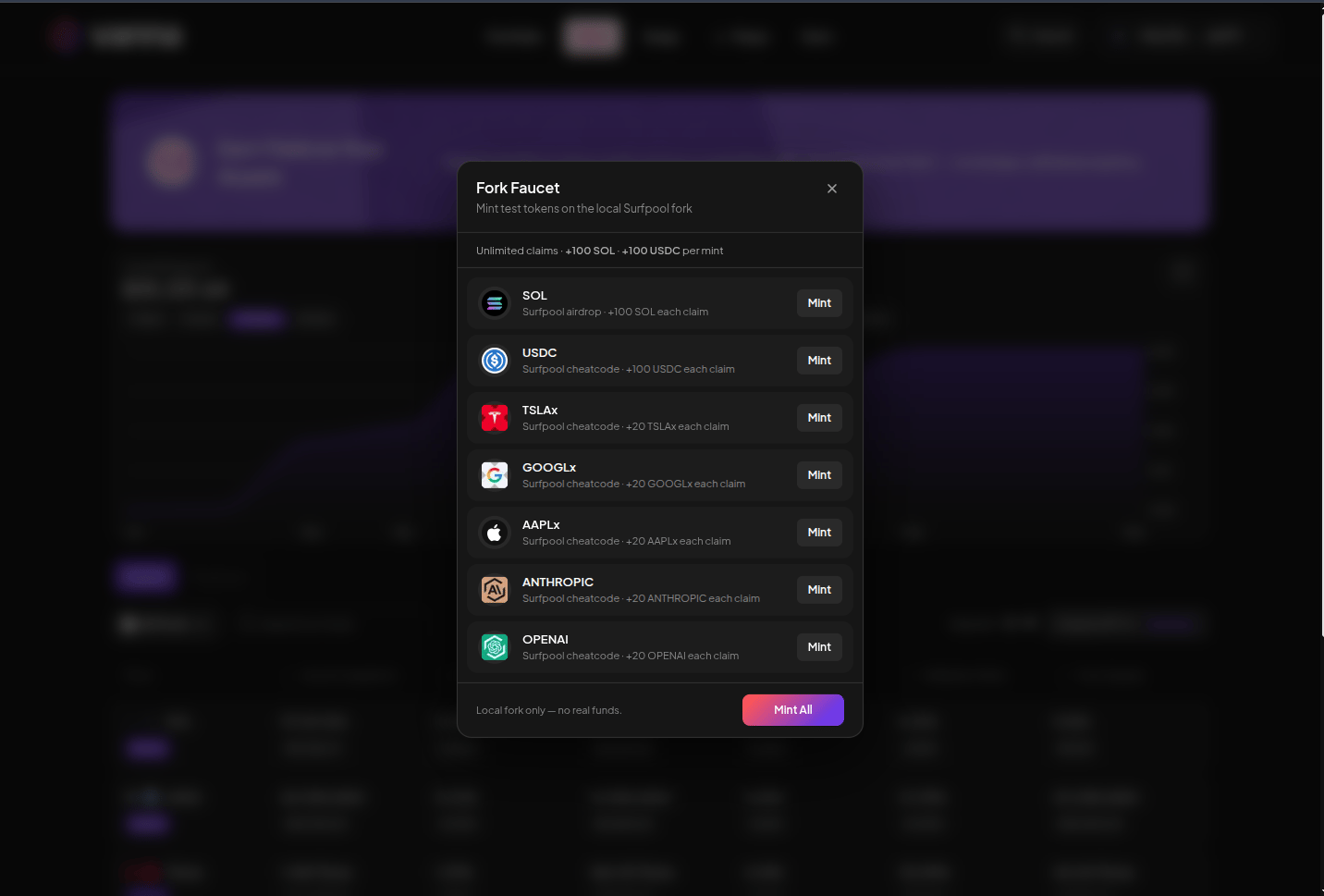
Fork faucet modal. Unlimited claims on the shared demo. Click the image to zoom.