

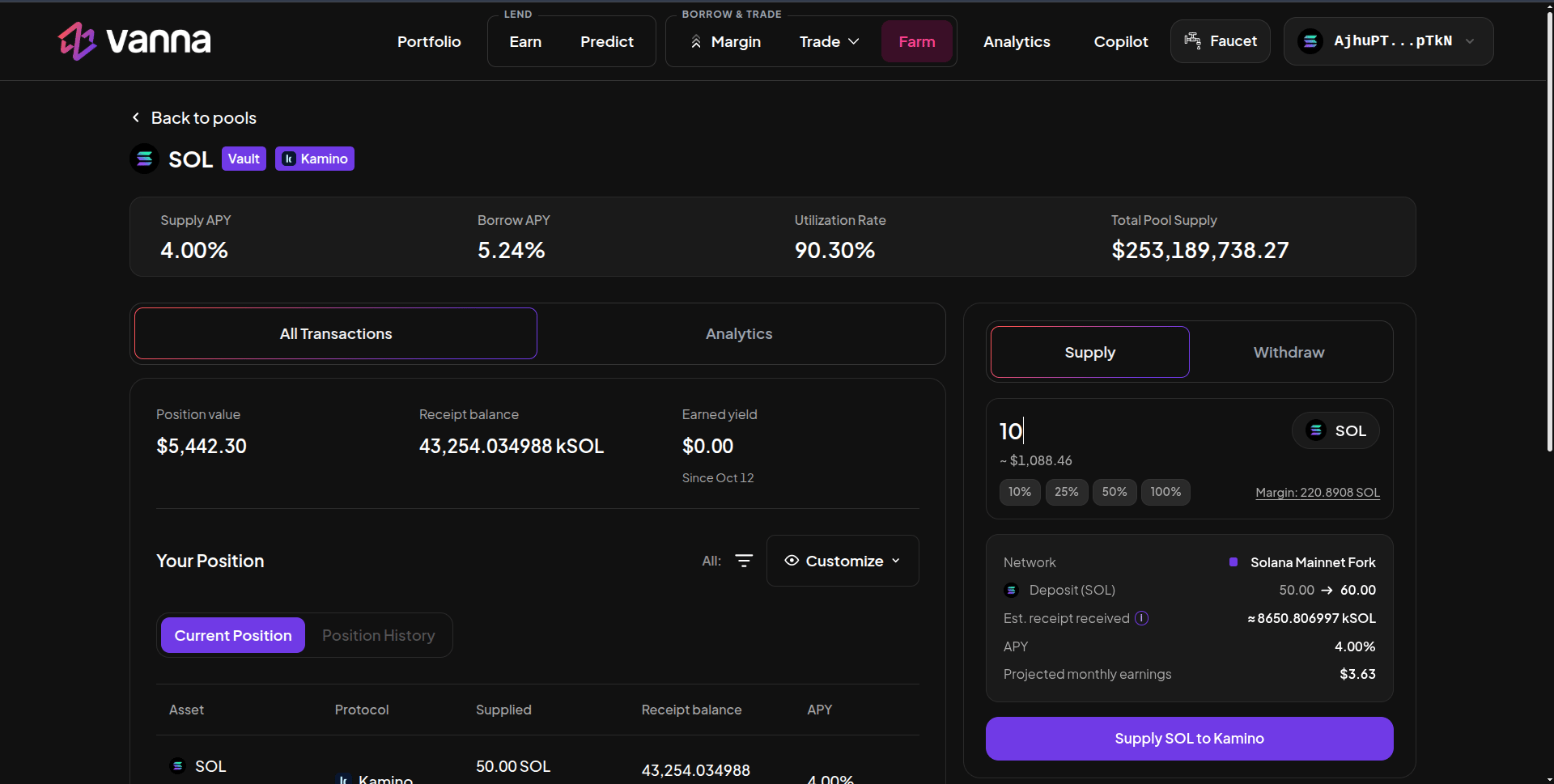
Kamino SOL vault page: Supply APY, Borrow APY, utilization and pool size, your position and the Supply panel. Click the image to zoom.
Supply
1
Open the vault
On Farm → Lending / Single Assets, click SOL, USDC or USDT with the Kamino badge.
2
Enter the amount
In Supply, type an amount or use the % chips. Margin shows what your margin account holds of that token. Need more? Deposit or borrow on Margin first.
3
Read the details
The details box shows the network, your deposit before → after, the Est. receipt received (kSOL…), the APY and projected monthly earnings.
4
Supply
Click Supply SOL to Kamino and approve. The receipt lands in your margin account.